AI Shopping Assistant
Not sure where to start? Describe what you need, and let AI build the list for you.
Voice input for the AI assistant is available on Android.
Open the AI assistant
It's right on the home screen.
Describe what you need
Type — or on Android, speak — what you're shopping for, in your own language.
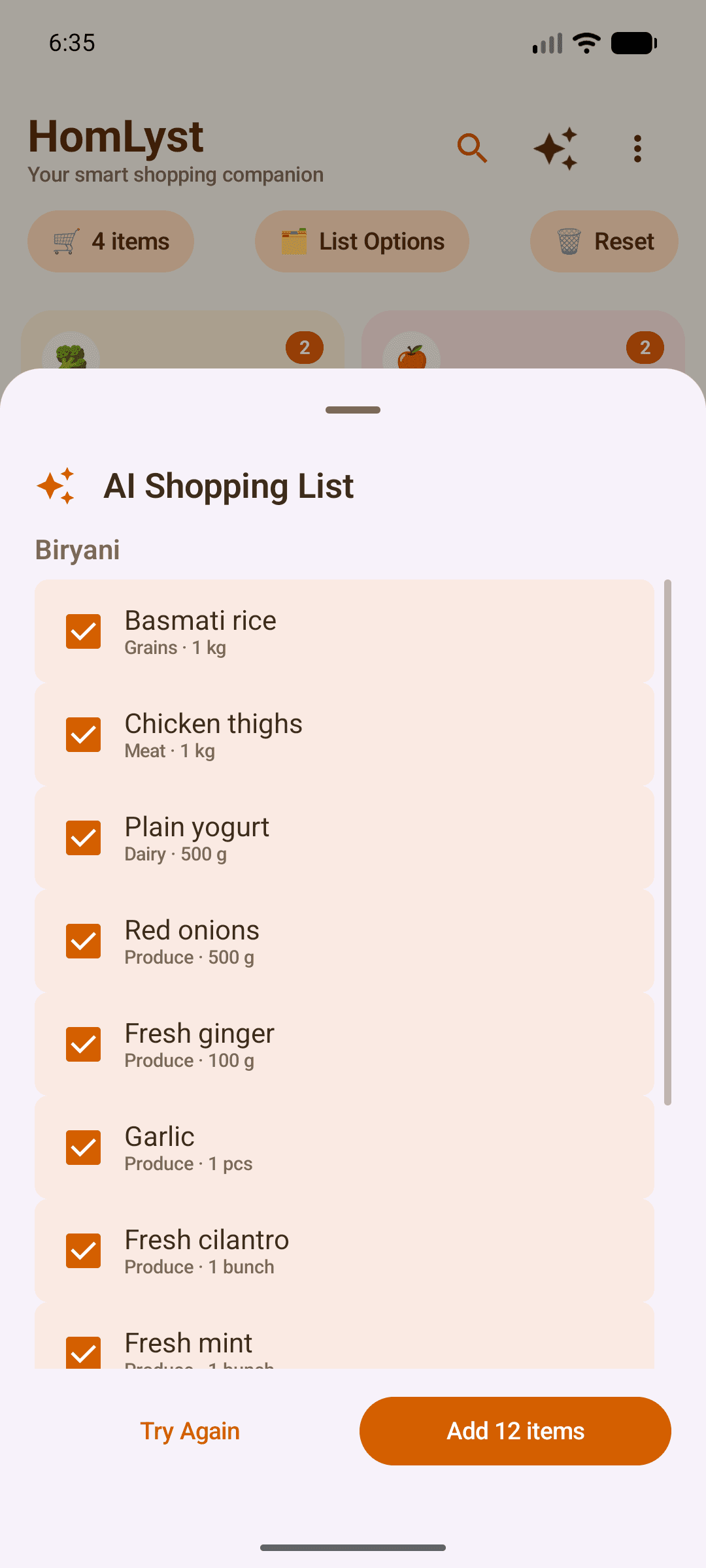
Review and add
Review the generated list, then add it to your cart.
Reuse past suggestions
Revisit earlier AI suggestions anytime — they're saved locally for reuse.
Tips
- Try describing an occasion, like "ingredients for a birthday dinner," instead of listing items one by one.