Getting Started
HomLyst opens straight into your shopping list — no sign-up, no tutorial required. Here's how to build your first list.
Open HomLyst and pick your country
The first time you open the app, choose your country catalog. HomLyst loads categories and items tailored to where you shop.
Choose a category
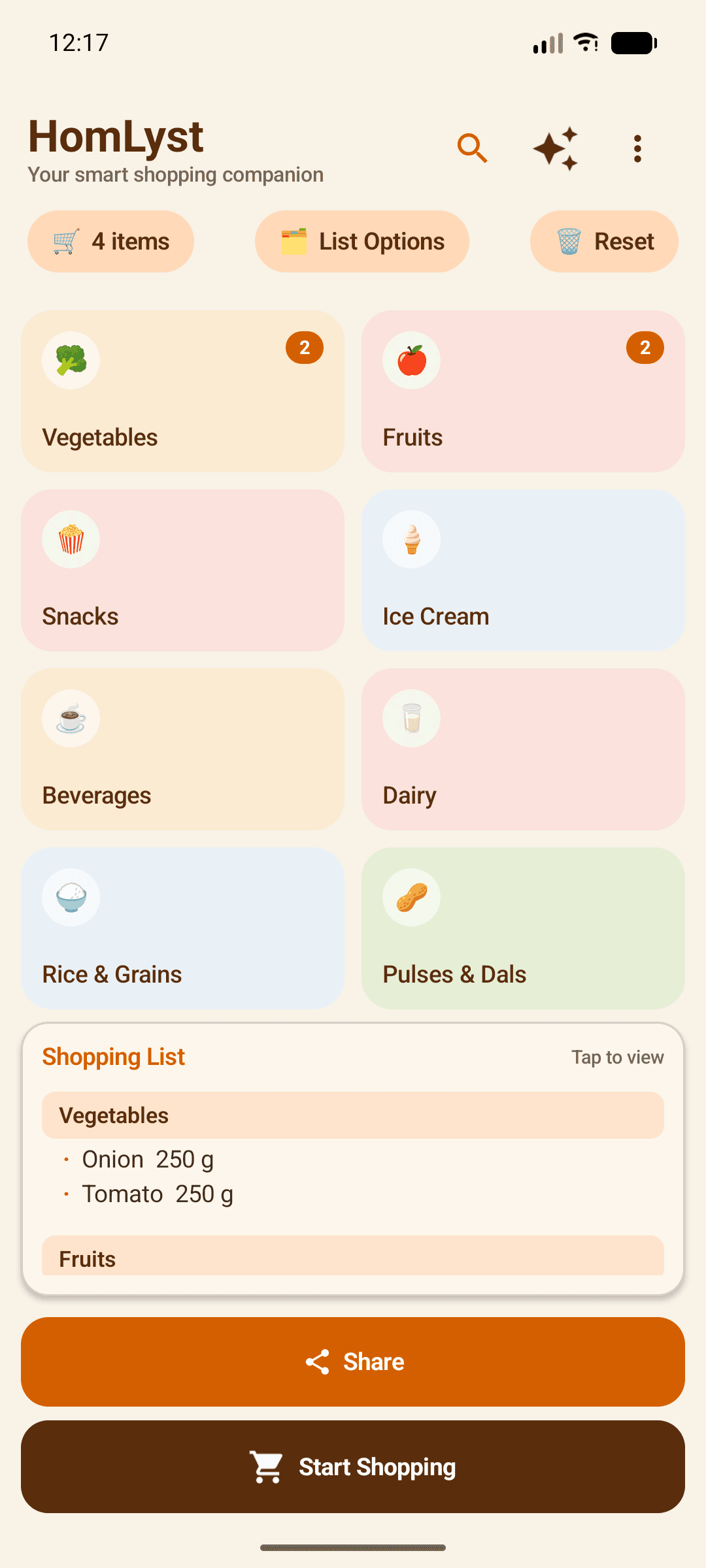
Tap a category card like Vegetables, Fruits, or Snacks to see what's inside.
Select your items
Tap the items you need — each tap adds it straight to your list.
Set quantities
Adjust how much of each item you need, by weight, piece count, or volume.
Review, share, or start shopping
Tap your list preview to review everything at a glance, then share it or start shopping mode to track what you've picked up.
Tips
- You can switch your country catalog anytime from Settings.
- Add anything the catalog doesn't have as a custom item — it's saved for next time too.