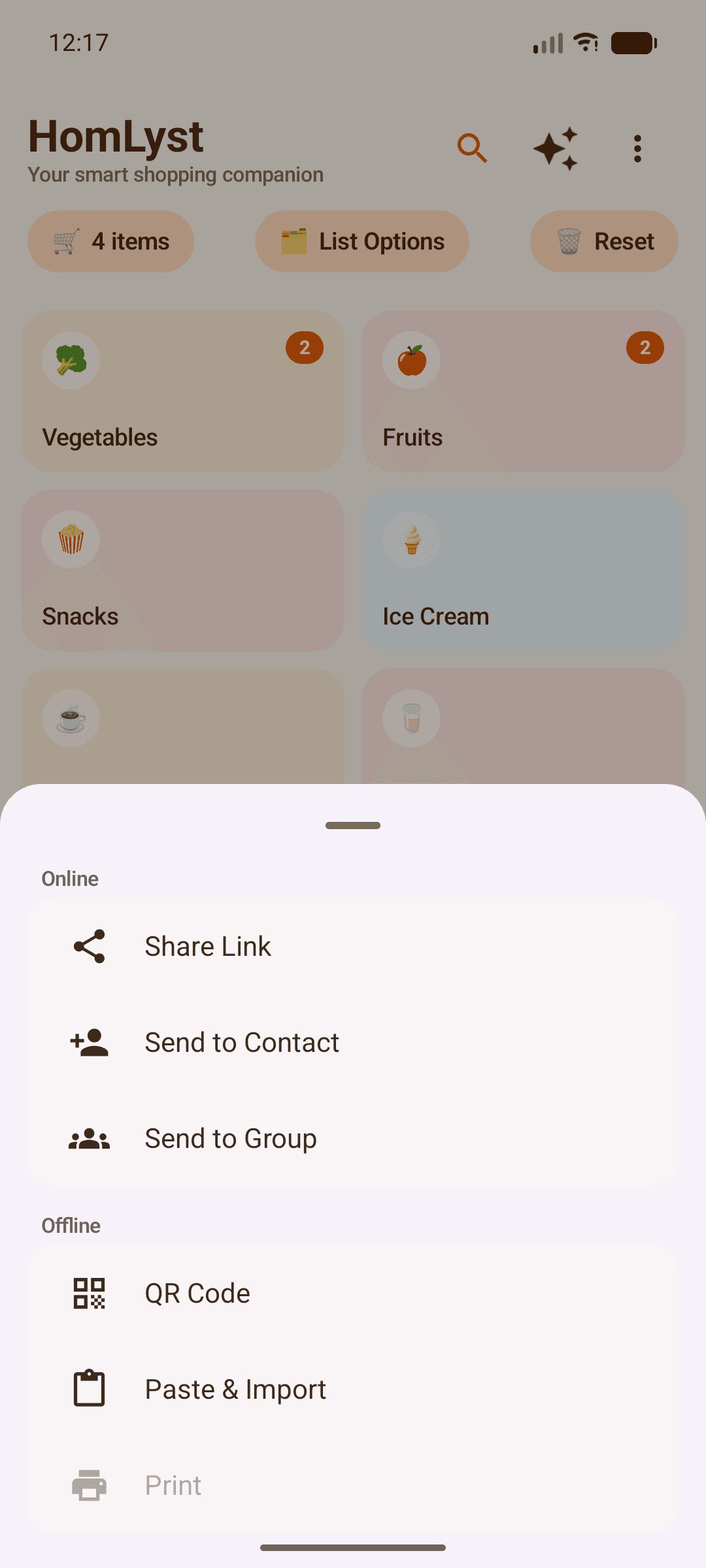
Sharing
Get a list to someone else in seconds — no account needed on either end.
Open Share options
From your list, tap Share to see every option.
Use a QR code
Generate a QR code for someone nearby to scan, or scan one to import a list instantly.
Share through any app
Send via WhatsApp, Messages, email, or any app already on your phone, using your device's normal share sheet.
Send to a contact
Send directly to a contact's phone number — they'll get a notification if they have HomLyst installed.
Follow its journey
See exactly when your list is received, when shopping starts, and when it's finished.
Tips
- If a shared list has items your catalog doesn't recognize — including your own custom ones — HomLyst adds them automatically, nothing gets left out.