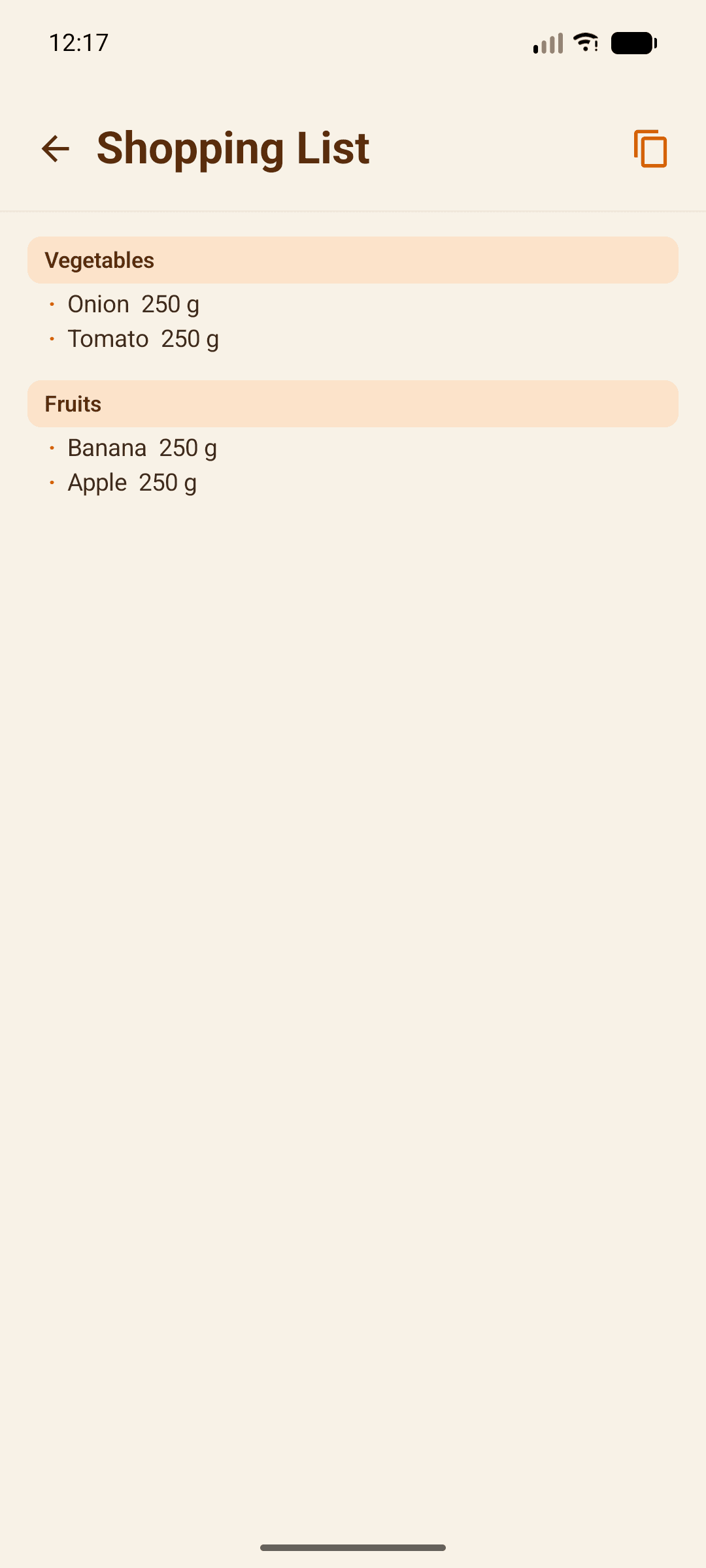
Shopping Lists
Your shopping list is built from categories — pre-loaded ones for your country, plus any custom ones you create.
Browse categories
Vegetables, Fruits, Snacks, Dairy, and more — pre-loaded for your country and ready to use.
Add items with a tap
Each category holds ready-made items. Tap to add one to your list.
Create a custom category
Don't see what you need? Add your own category and fill it with your own items.
Manage your list
Remove items, adjust quantities, or reset the whole list from the top toolbar.
Tips
- Custom items you add stick around for next time, so your list gets more personal the more you use it.